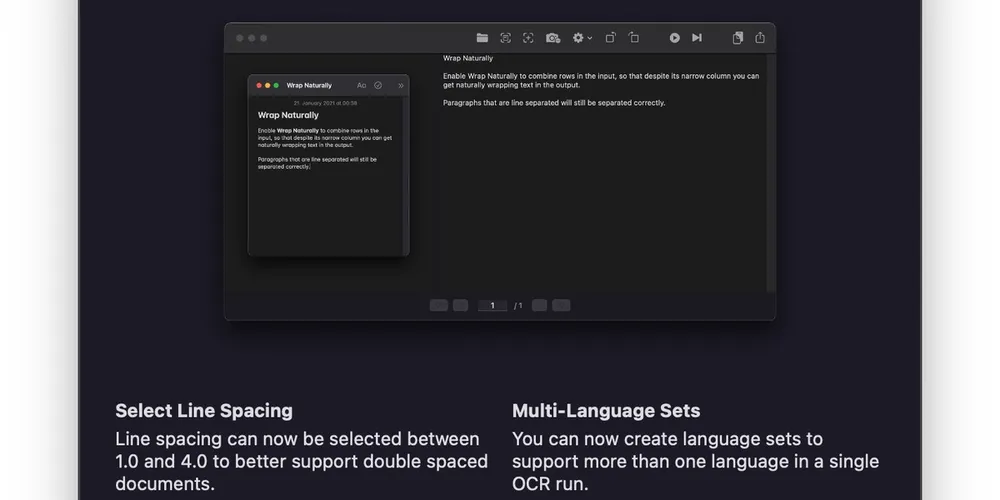
Changing line spacing to correctly run OCR text recognition on double spaced documents on the Mac

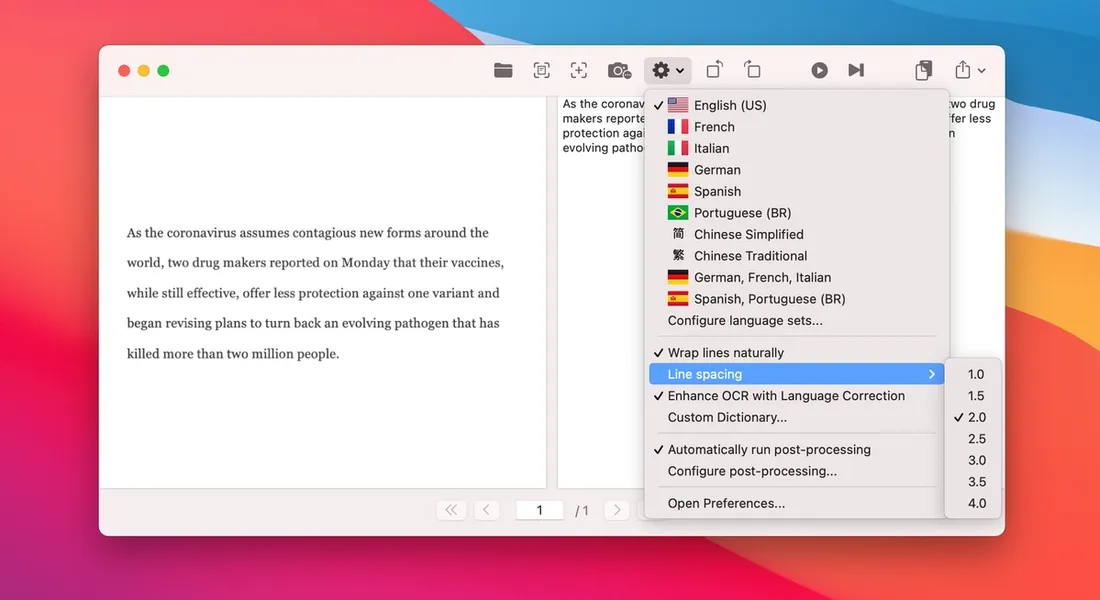
The line spacing setting in OwlOCR is a setting that allows you to manage how the OCR output is divided into paragraphs.
In this example I have captured a paragraph of text from Microsoft Word. The text is formatted to have double line spacing (line spacing 2.0) in Word. OwlOCR on the other hand has the default line spacing setting of 1.0. Due to the mismatch in settings, OwlOCR divides almost each line in the output to be a new paragraph resulting in a less than desirable output.
By changing the line spacing setting in OwlOCR to 2.0 and then running the OCR processing again on the same input, the paragraph breaks are corrected to match the input.
If you are getting too few or too many paragraph breaks in your output, it can be a good idea to try to change the linespacing setting to something slightly smaller or larger, even if does not exactly match what you have set in your input document.